Friends-Signup
Updated from ecllipse

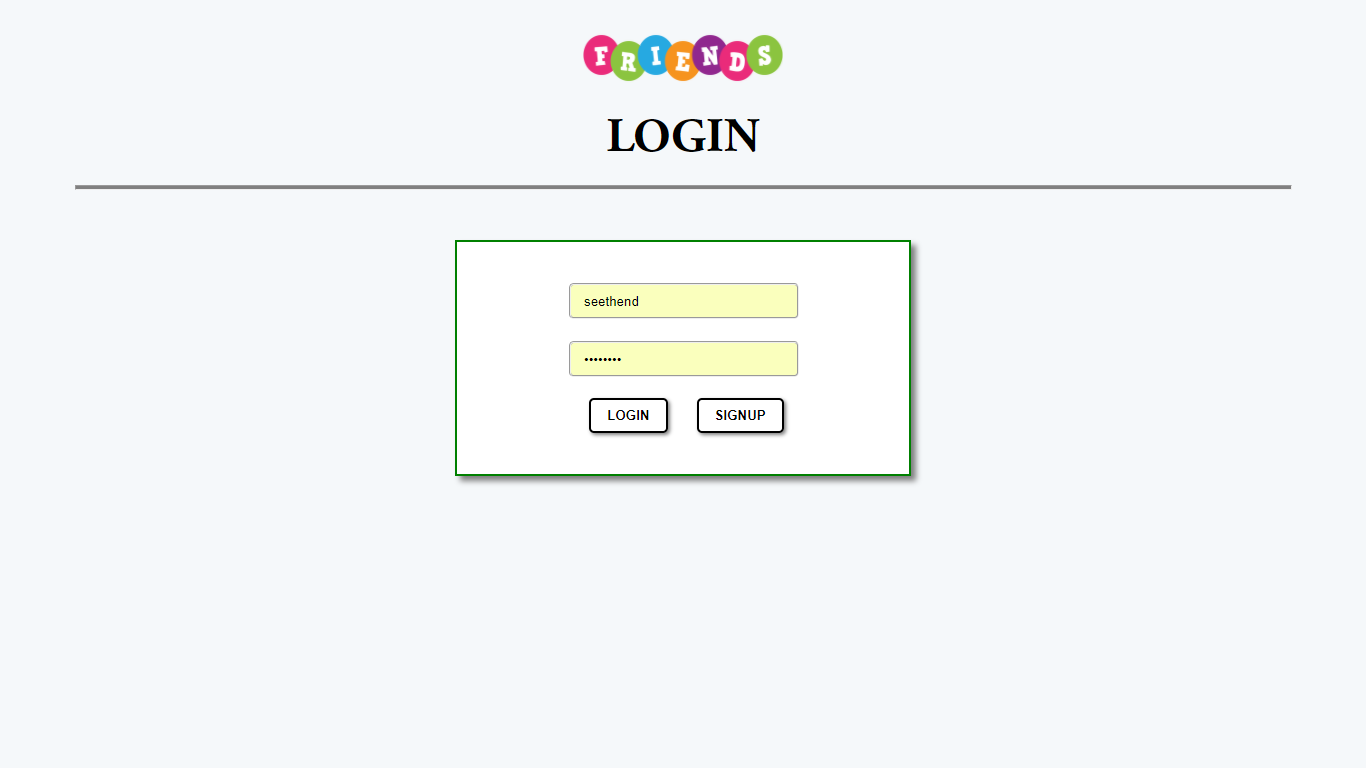
We have to login into the application using the credentials we signup with..
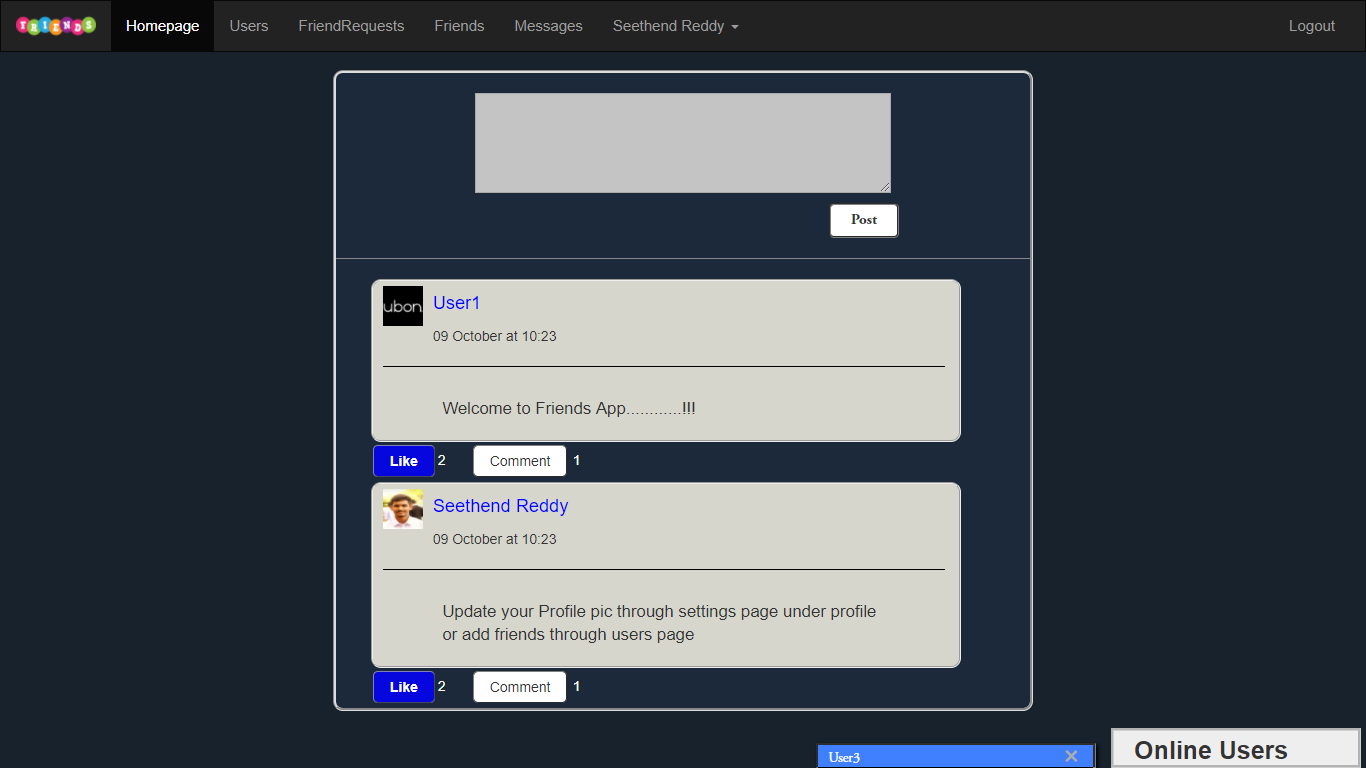
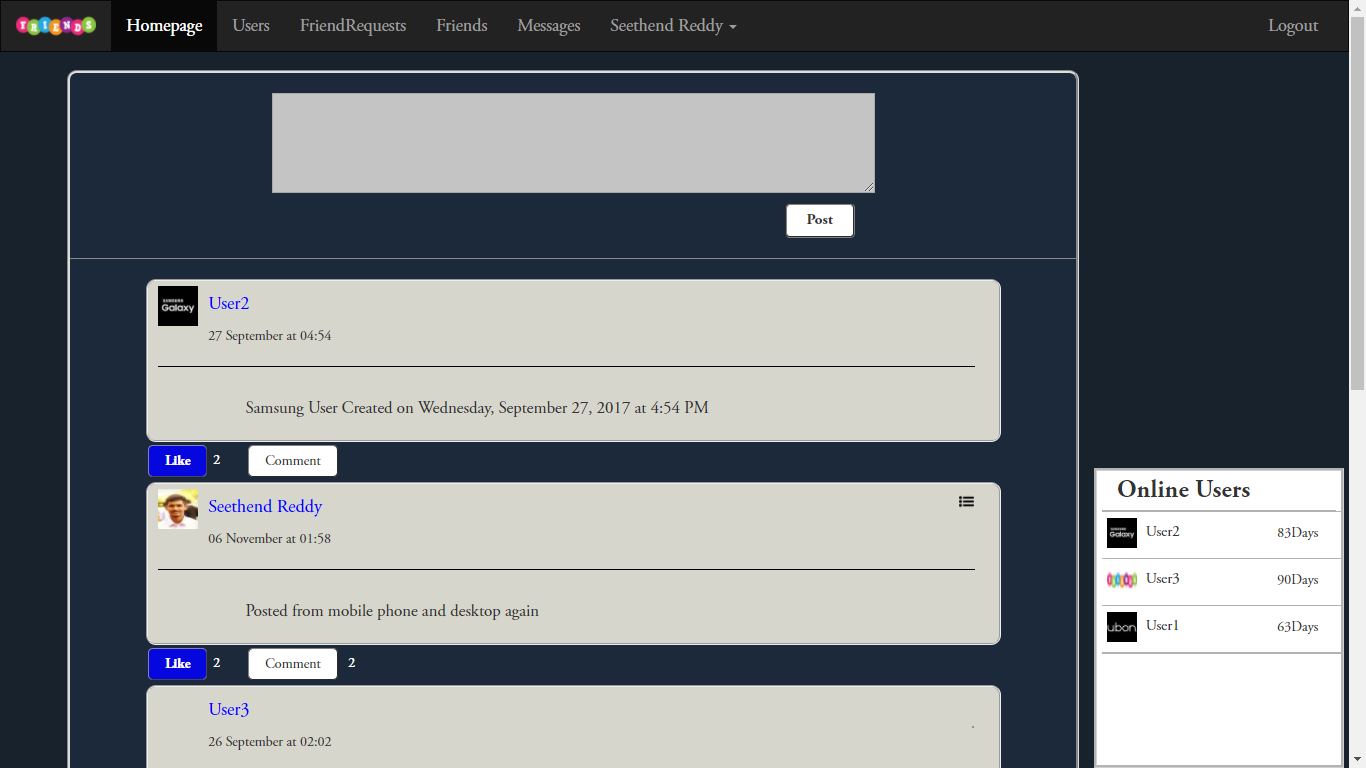
Once logged in we reach homepage where we can see our posts and other users posts and also we can post or comment and like a post
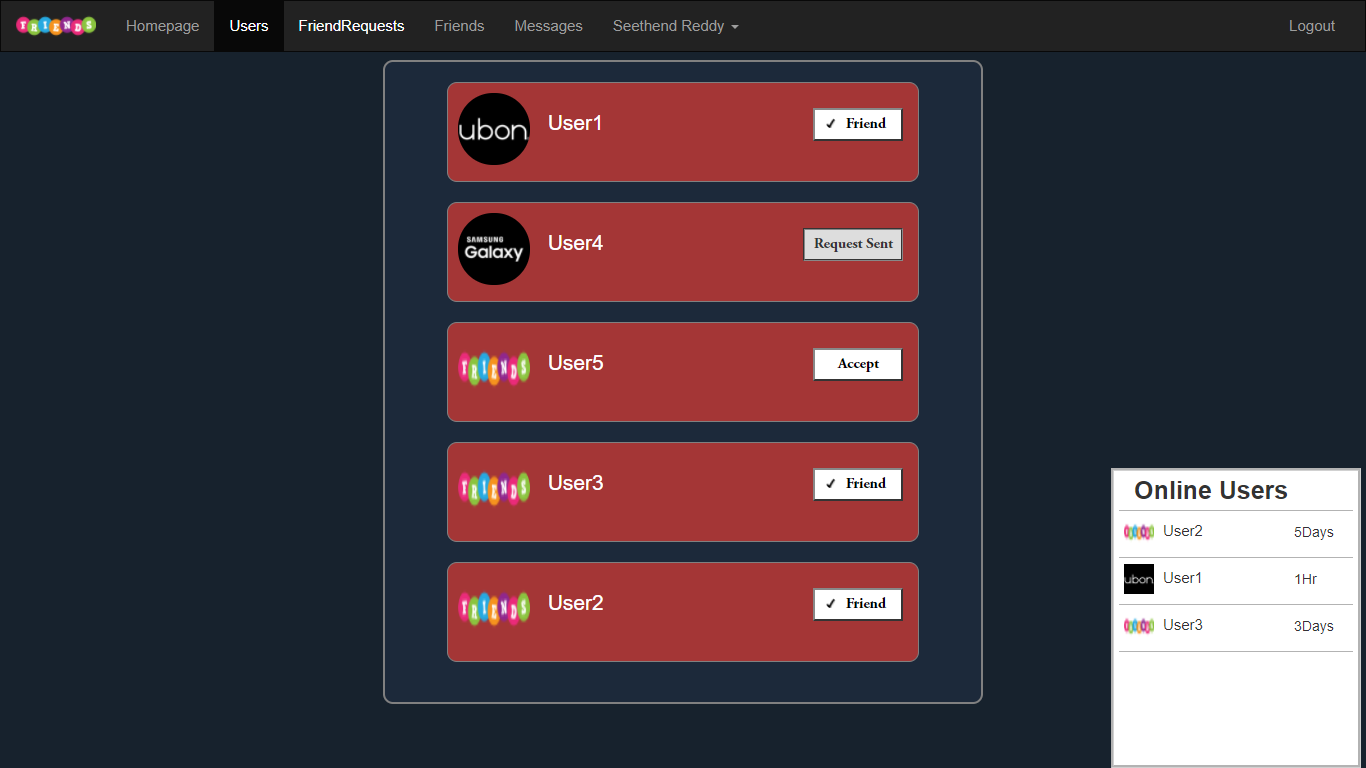
In the Users page we can see all users in the system and send friend request or unfriend other users
In FriendRequest page we can see all users who sent friend request to us and we get notifications every time when a user sent friend request to us
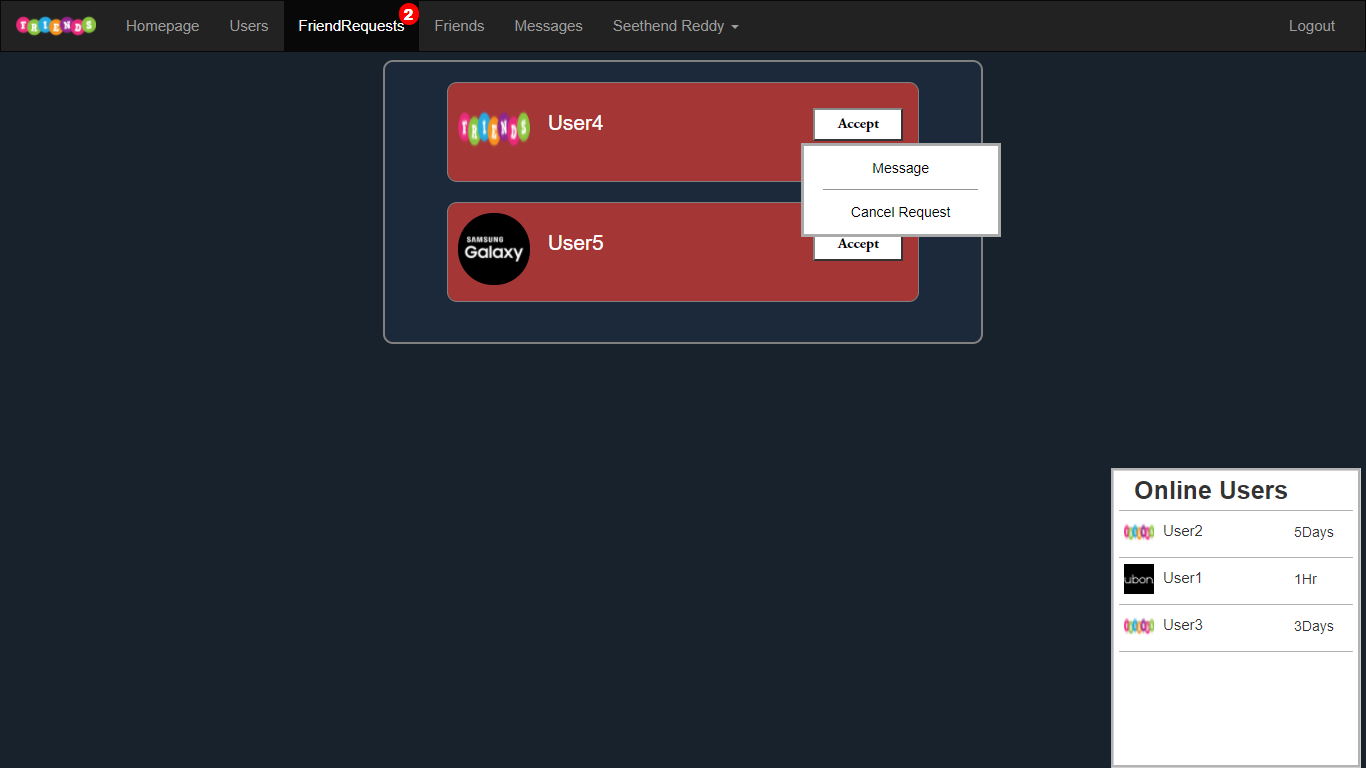
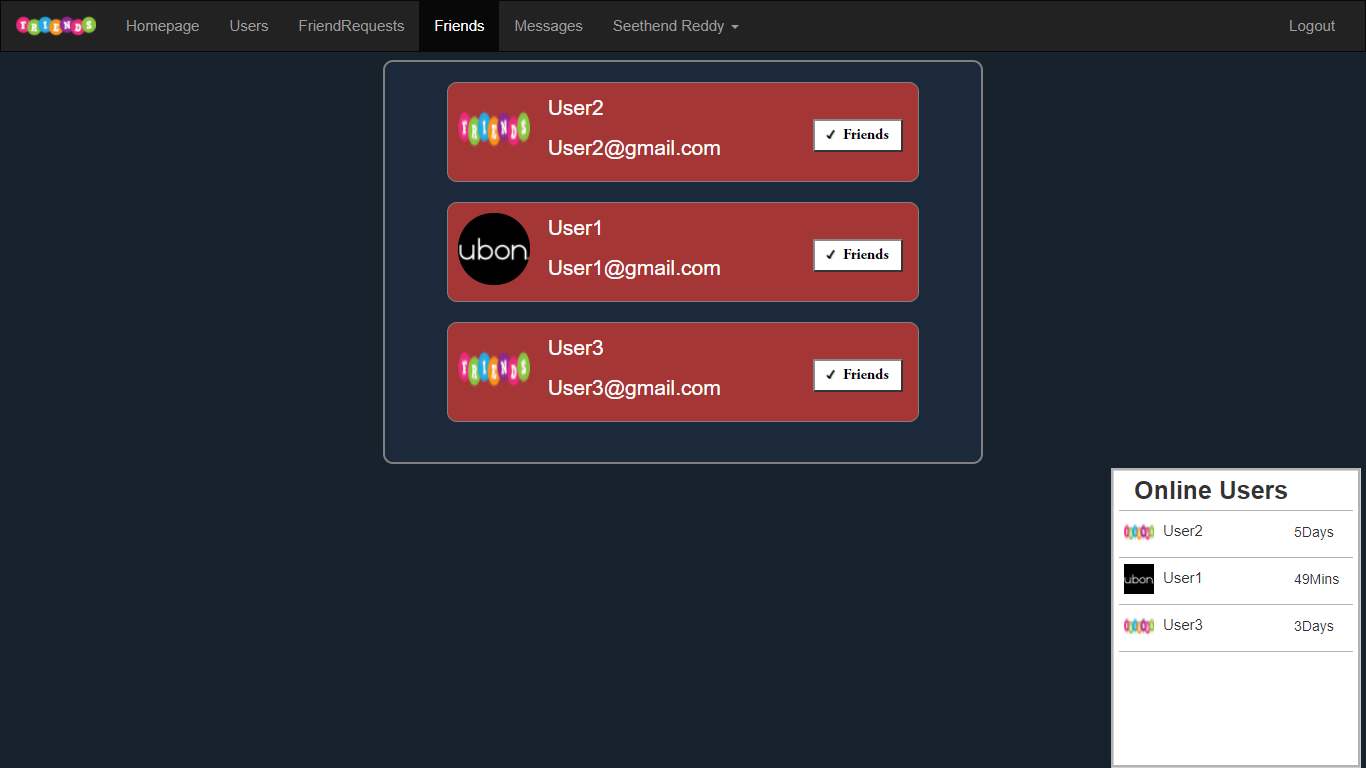
In Friends page we can see all our friends
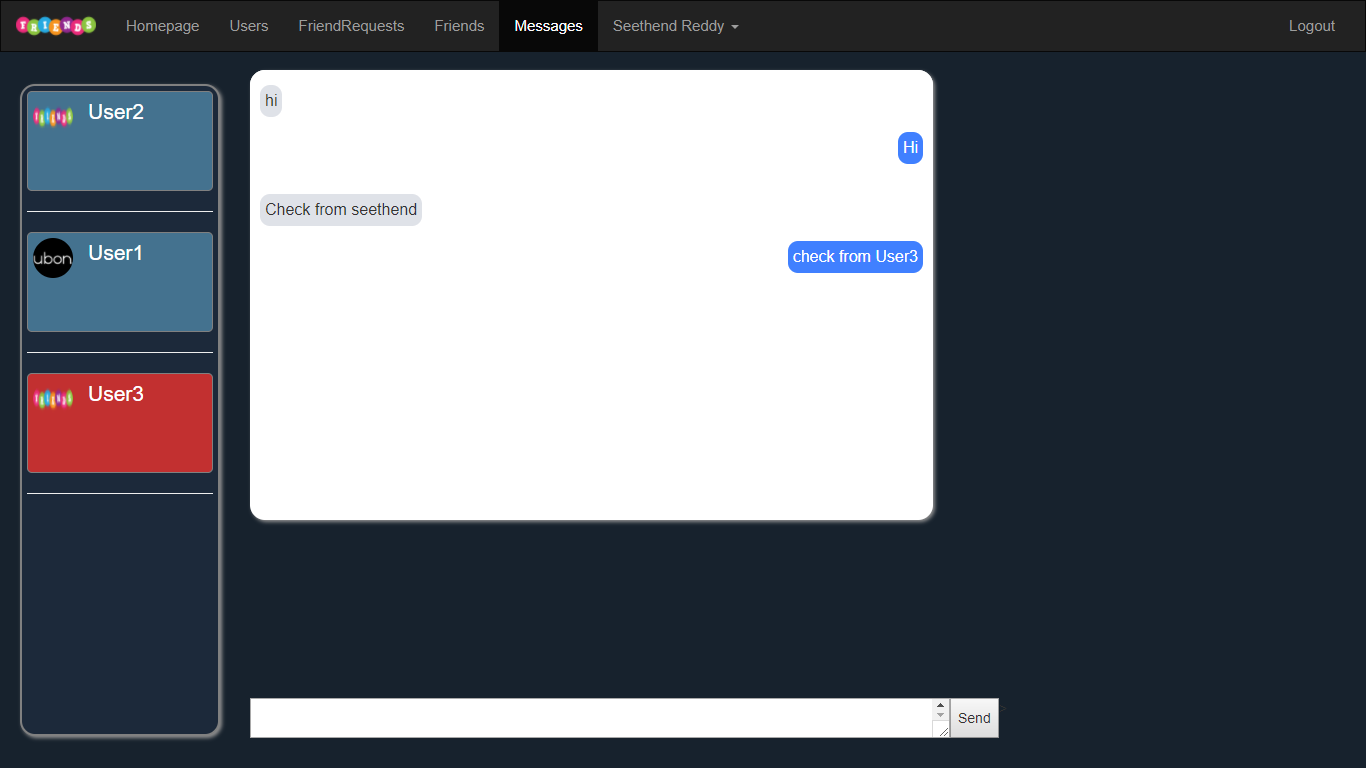
In Messages Page we can select friends to send and receive messages
In Profile page we can see only our posts
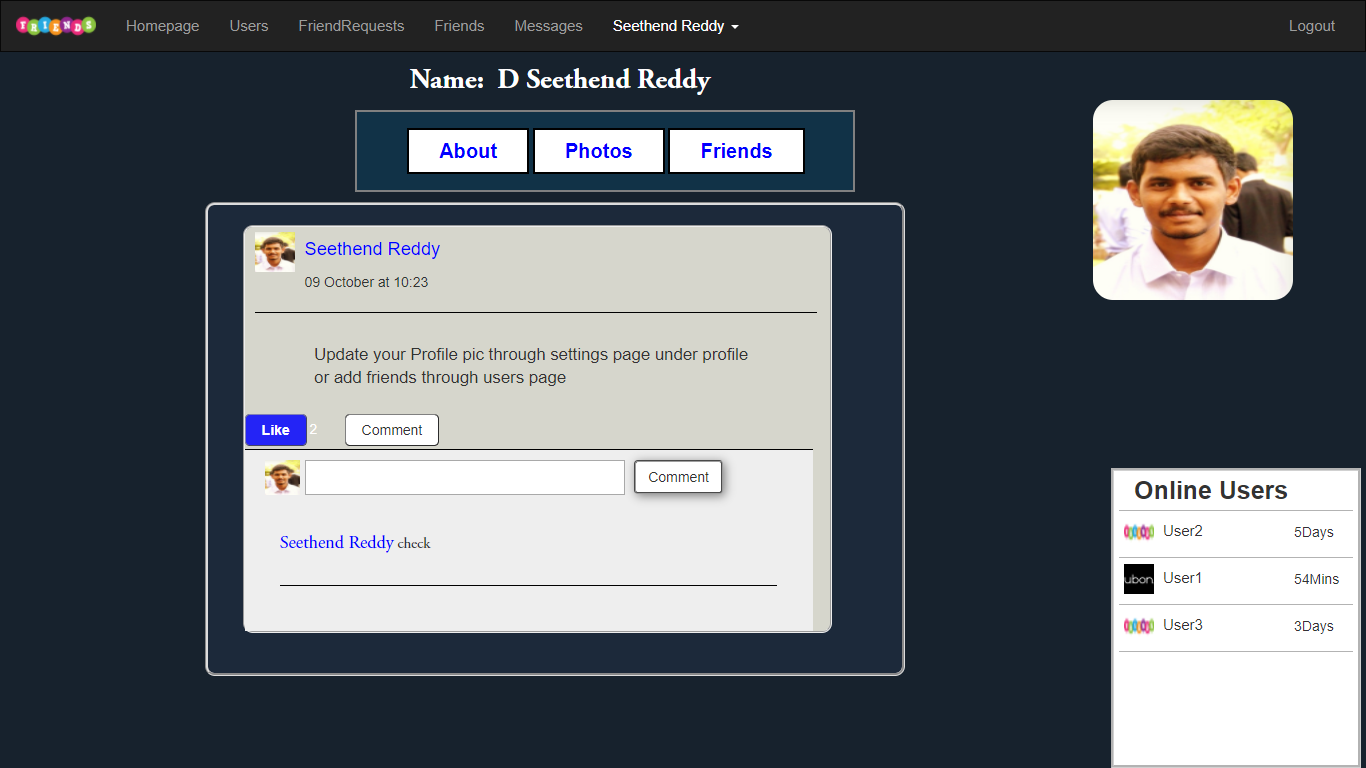
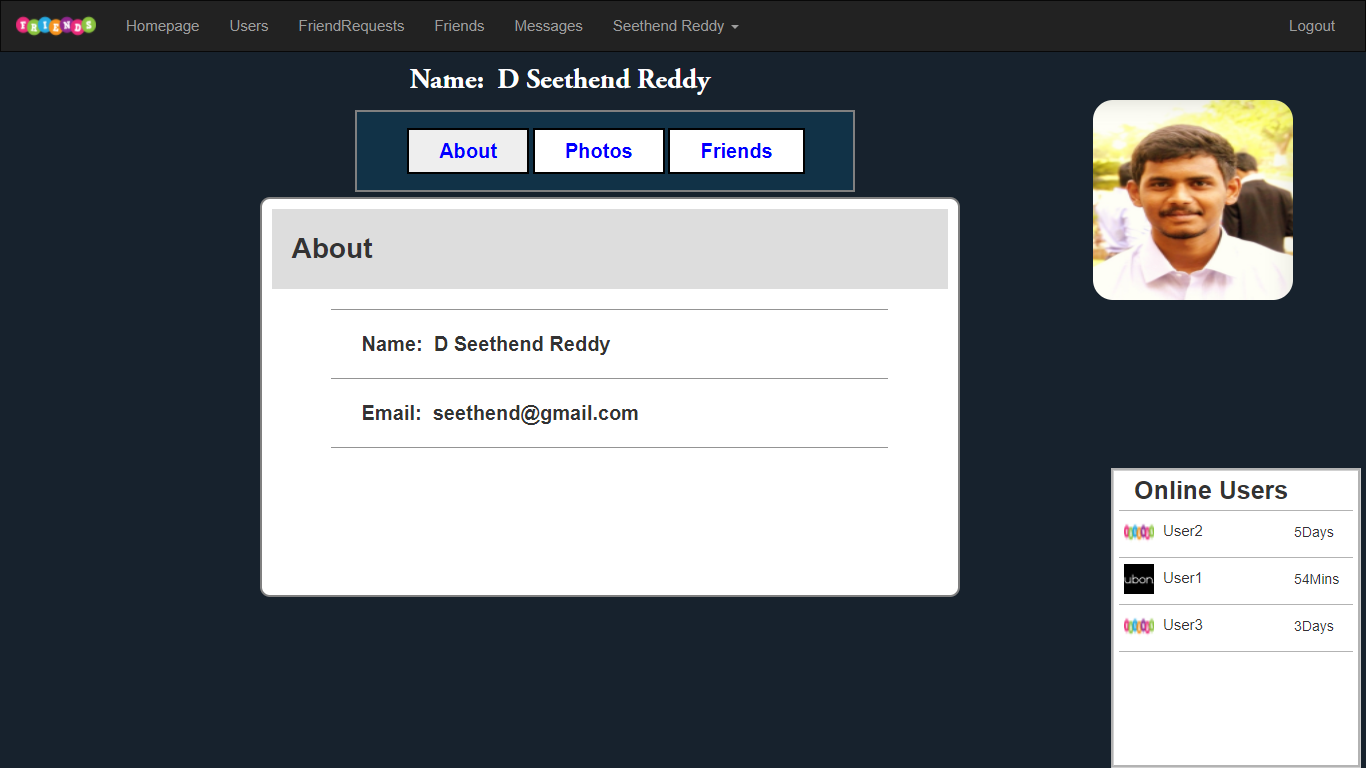
and in About section we can see our details
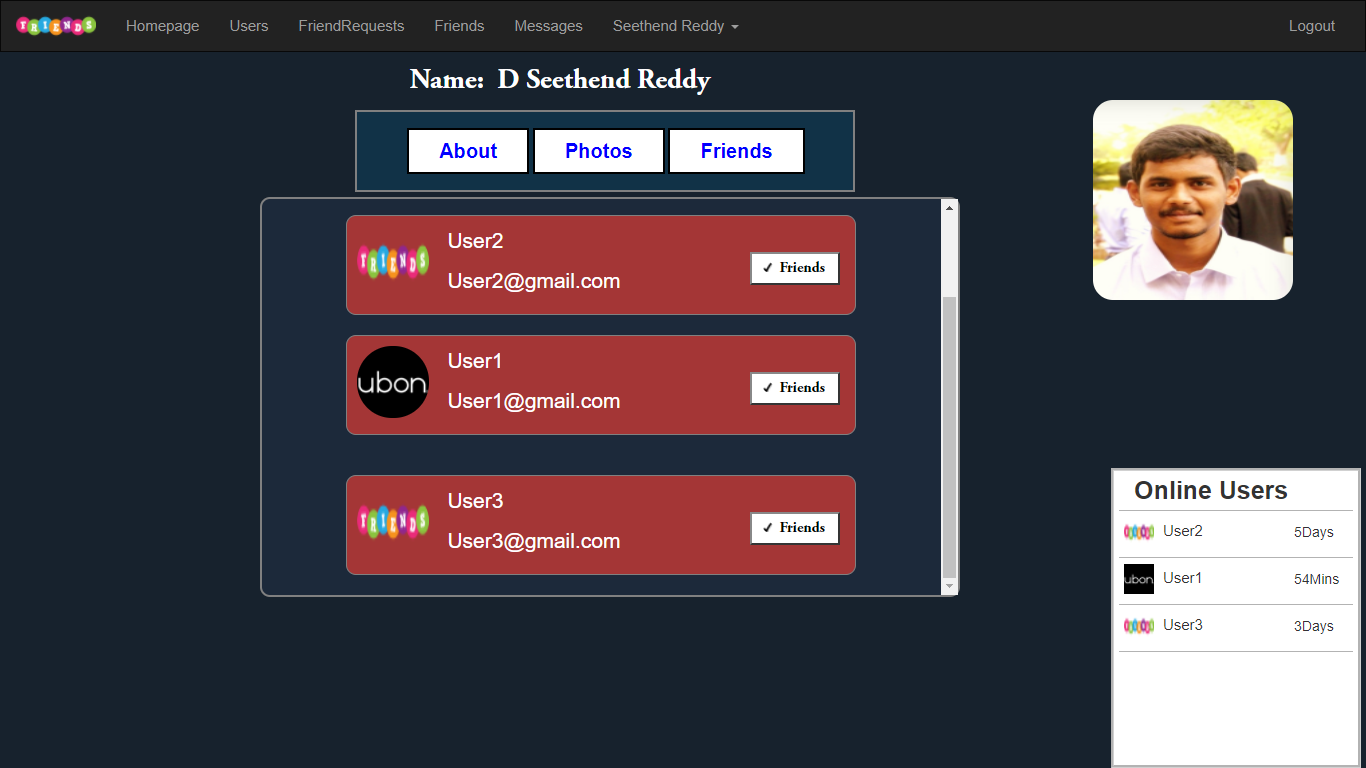
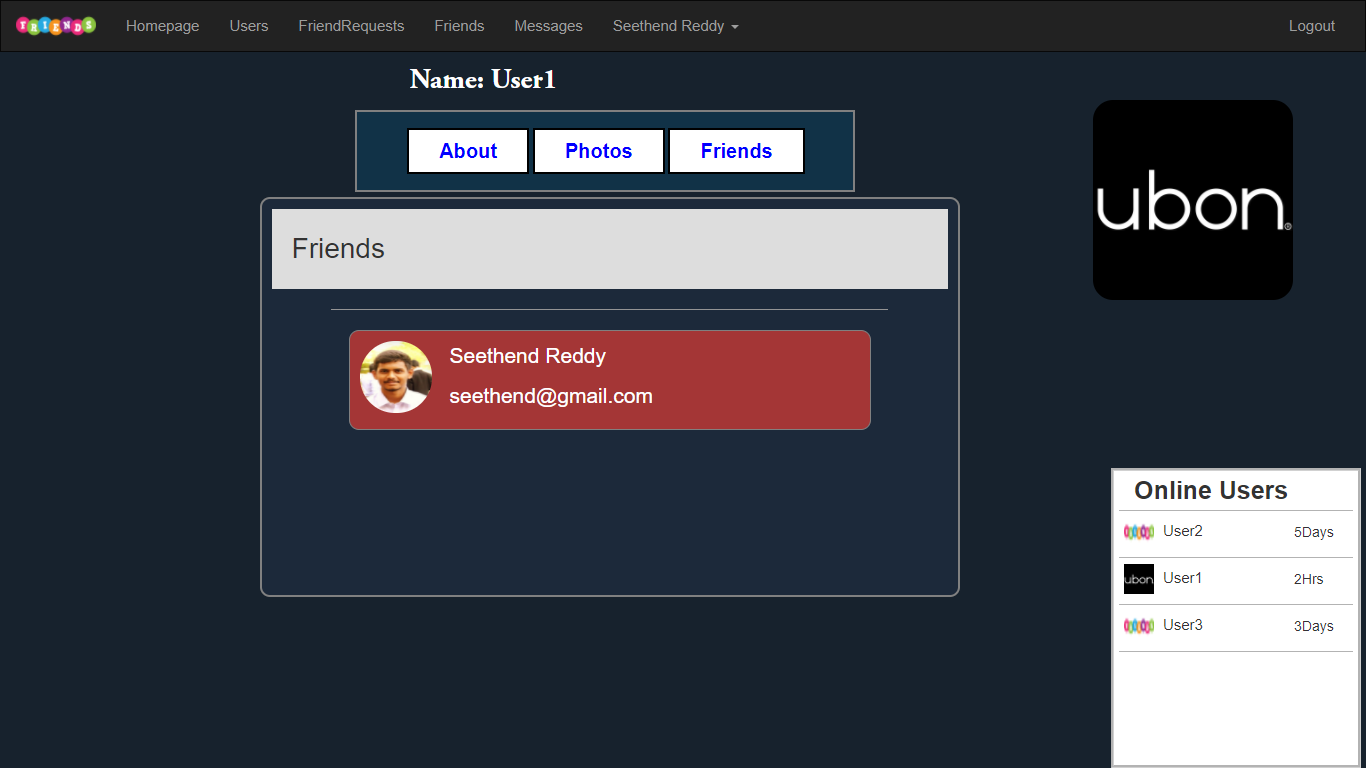
and in friends section we can see out friends
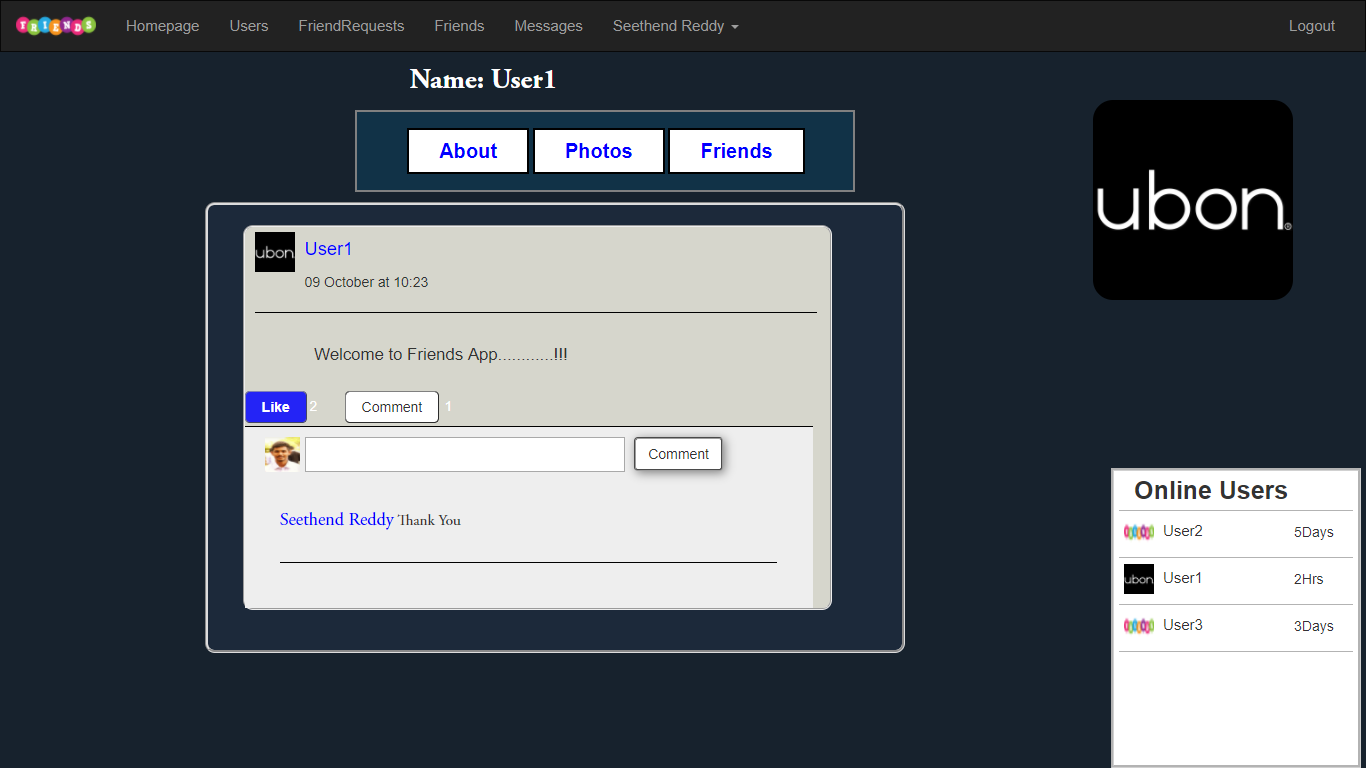
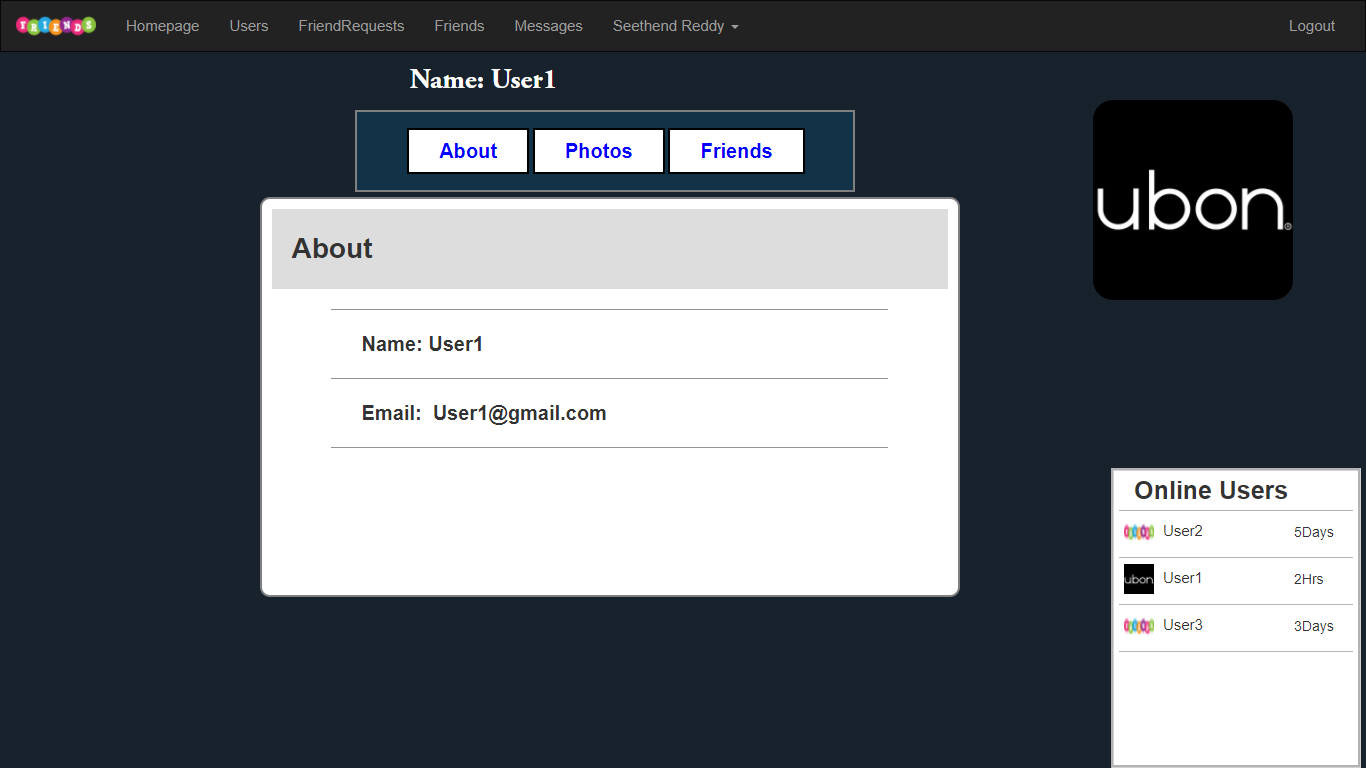
In Friends Profile we can see the users posts, about, friends
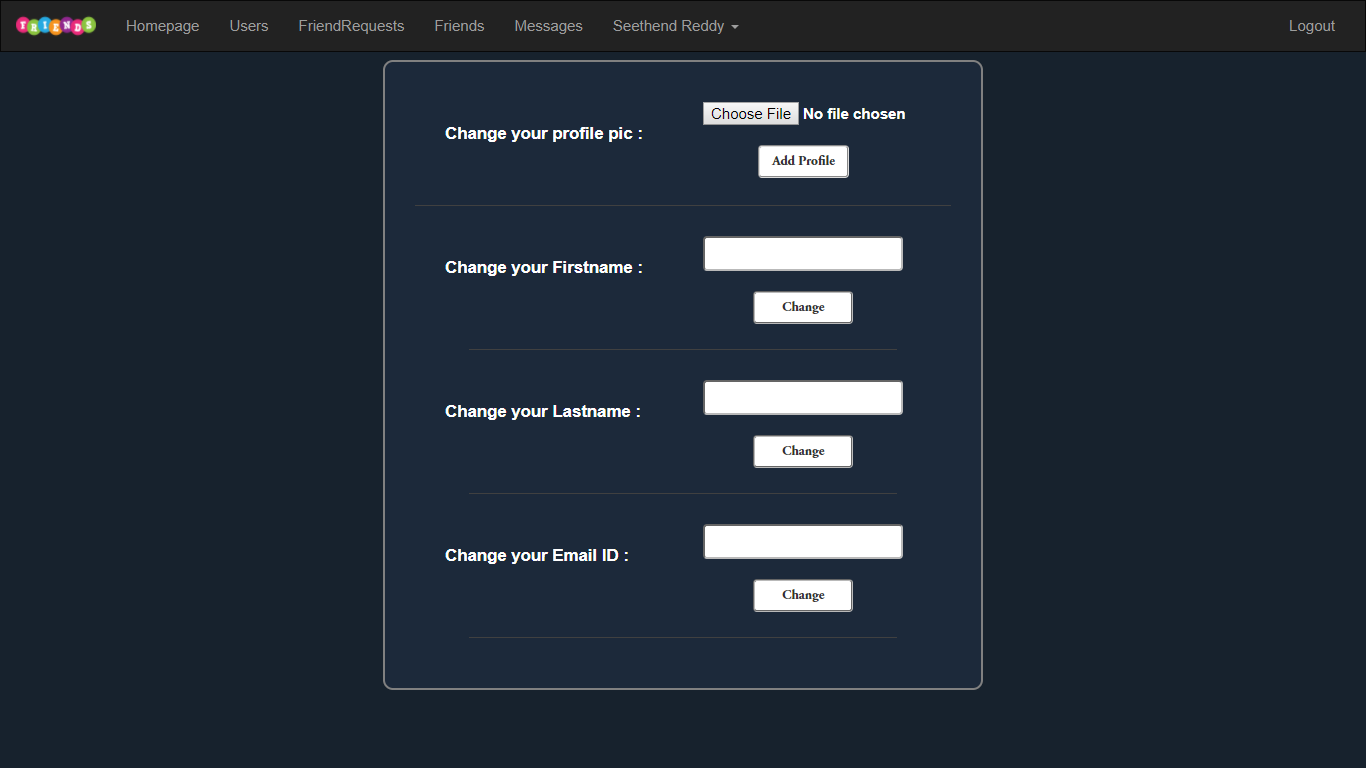
In Settings Page we can change our FirstName, LastName, Email Id, or Profile pic
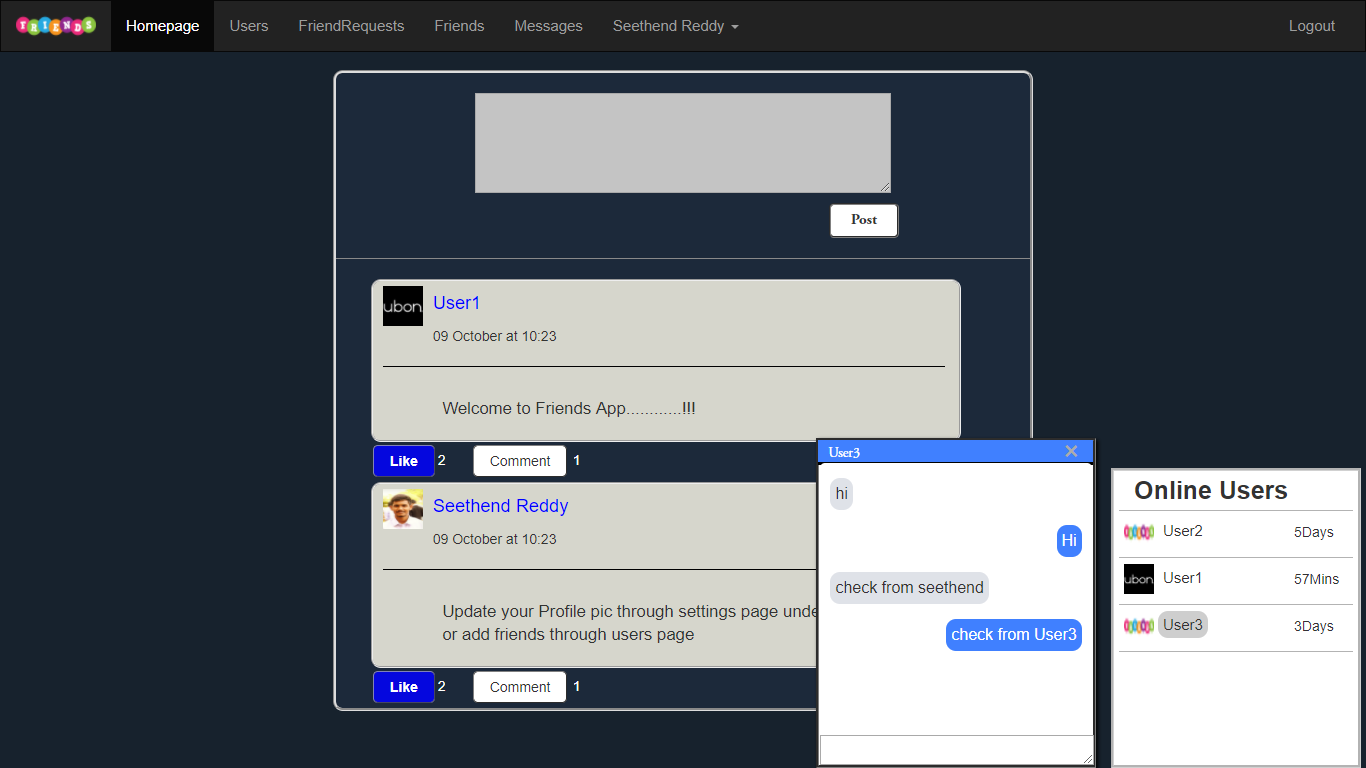
We also can use small chat-box and continue our communication through all pages
Online Users Block always gives updates whether your friends is online or offline and gives time of Last Login
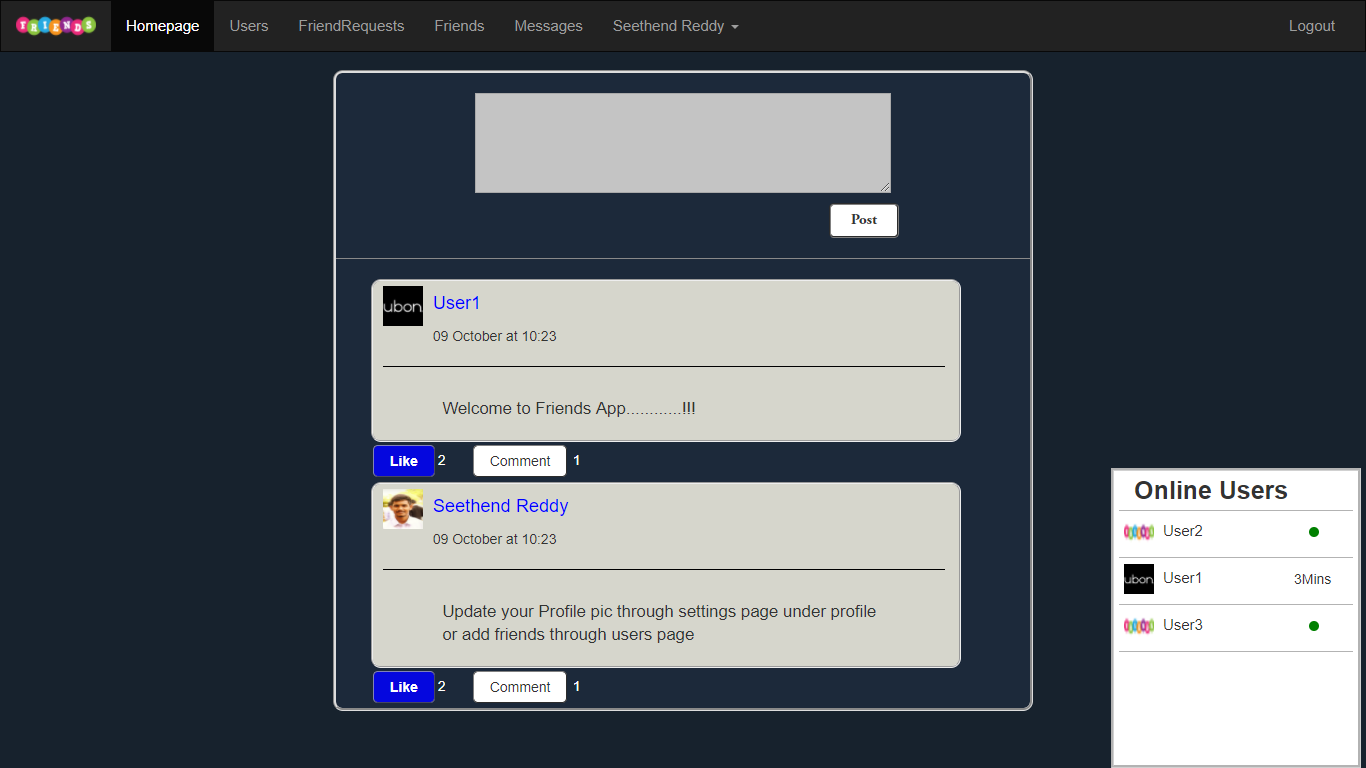
These Both Blocks can be minimized to avoid interrupt